
How to Modernize Aging IT Systems (Servers, Networks, Storage & More)
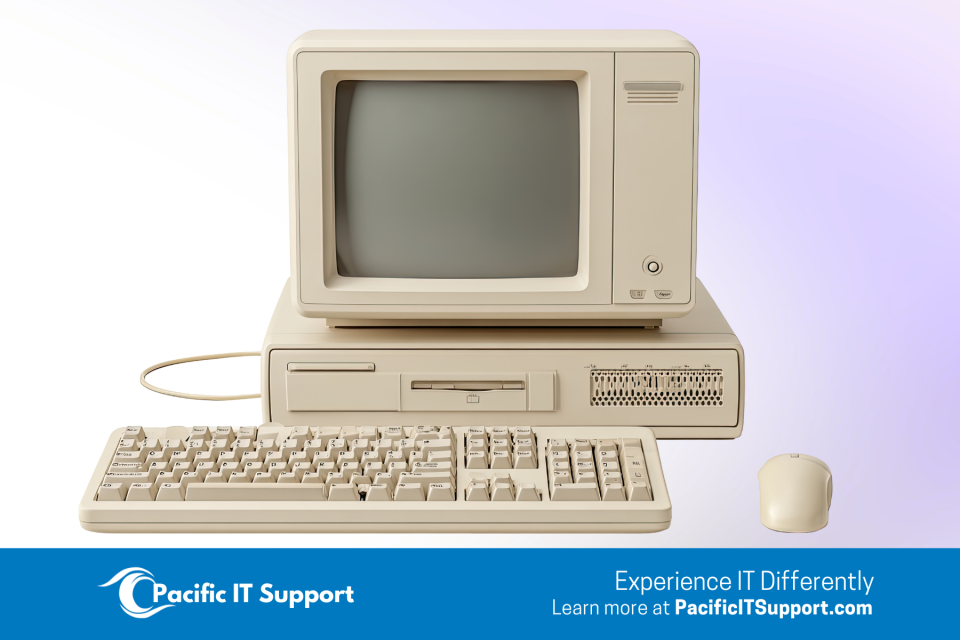
Technology moves fast, but many business networks and servers haven’t kept pace. Over time, hardware ages, operating systems near end‑of‑support, and “temporary fixes” pile up — until day‑to‑day work starts to feel slow, fragile, and risky.
That’s exactly what we’re seeing across the U.S. right now: over half of companies say outdated infrastructure is the top reason their IT budgets are rising in 2026, putting refresh projects back at the front of the line.
This isn’t just about staying “current.” It’s about protecting uptime, improving performance for cloud apps and AI tools, and shoring up security so your team can move faster with fewer surprises. And the broader market data backs up the urgency: datacenter systems spend is jumping as organizations cycle aging gear and prepare for compute‑heavy workloads, including AI and analytics.
Businesses are recognizing that keeping old systems alive is becoming more expensive, and more risky, than upgrading.
Why Businesses Are Finally Addressing Aging IT Systems
The push to modernize IT infrastructure isn’t random. It’s rooted in real‑world challenges companies face every day:
1. Performance issues are stacking up
Older servers and networks can’t keep up with modern applications, remote access needs, or cloud integrations.
2. Security risks increase as systems age
Legacy hardware and operating systems often miss out on the latest patches, leaving businesses exposed.
3. Cloud and AI demand stronger foundations
From Microsoft 365 to AI copilots, modern tools require stable, updated, and well‑architected systems.
4. Higher costs from “band‑aid” fixes
The older an environment gets, the more time (and money) goes into keeping it alive.
It’s no surprise that IT teams and decision‑makers are prioritizing infrastructure modernization in 2026 — not as a luxury, but as an operational necessity.
Read also: 2026: A Fresh Start for Your Business IT Setup
Where Businesses Need the Most Help
Modernizing IT isn’t just about buying new hardware. It’s about planning, migration, compatibility, security, and support. Based on industry trends, here are the top areas where organizations are seeking help:
Server Refresh & Windows Server EOL Migrations
Before any cutover, it pays to map dependencies, confirm application support on the target OS, validate backups, and plan a rehearsal. Many organizations pair OS upgrades with hardware refreshes to retire noisy, failure‑prone boxes and consolidate workloads. That’s increasingly common as teams leave aging, near‑EOL platforms behind and standardize on supported Windows Server releases. (The industry‑wide push to fix outdated infrastructure is a key 2026 budget driver.)
When outdated servers reach end‑of‑life, they lose security updates, increasing risk and compliance challenges.
Read also: Windows Server 2016 Is Reaching Final End of Life: What Your Business Needs to Know
Network Upgrades (especially multi‑site organizations)
For distributed teams, the network is the business. Replacing old switches/firewalls, improving Wi‑Fi in challenging spaces, and tightening segmentation can eliminate chronic slowdowns and reduce lateral‑movement risk. Companies prioritizing modernization — particularly those rolling out cloud and AI — are refreshing network gear to ensure predictable performance across locations.
Read also: Smart IT Solutions for Businesses with Multiple Locations
Cloud‑Hybrid Infrastructure Planning
Most companies aren’t going fully cloud — they’re choosing a hybrid approach:
- Keeping some servers on‑prem
- Moving specific workloads to the cloud
- Connecting everything securely
Hybrid environments improve flexibility, performance, and disaster recovery — but they require careful planning to avoid misconfigurations or cost issues.
Read also: Why Hybrid Cloud Models Are Winning in 2025
Replacing Unreliable or Inefficient Systems
The telltale signs: random reboots, “mystery” slowdowns, fans screaming, and backup jobs that only finish on weekends. Replacing 5–10‑year‑old equipment reduces risk and energy costs while unlocking features that old platforms simply can’t deliver. It’s also the moment to standardize, document, and simplify — and to align with your next three‑year roadmap instead of repeating short‑term fixes. (Again, this squares with 2026 spending data showing modernization as a major driver.)
Read also: 5 Signs Your Company’s IT Is Falling Behind
How Pacific IT Support Can Help Your Business Modernize
At Pacific IT Support, we work with organizations across Maui, Whatcom County, and throughout the United States to modernize IT environments with minimal disruption.
Here’s how we support businesses with infrastructure upgrades:
🔧 Server Refresh & Migration
We plan, deploy, migrate, and stabilize new server environments — whether you’re upgrading Windows Server, retiring old hardware, or moving to hybrid cloud.
🌐 Network Modernization
We help redesign slow or outdated networks so your team gets consistent, secure connectivity across job sites, field locations, and offices.
☁️ Cloud & Hybrid Strategy
We guide you through deciding what stays on‑prem, what moves to the cloud, and how to integrate everything securely.
🛡 Security & Compliance Alignment
Modernization isn’t complete without improving your security posture — especially important in 2026 as threats and regulations increase.
🤝 Full or Co‑Managed Support
Whether you need a full IT team or extra hands for your internal staff, we can support your infrastructure long‑term.
Read also: Managed vs. Co‑Managed IT Support: Which Model Fits Your Team in 2026?
If Your IT Infrastructure Is Showing Its Age, Now Is the Time to Act
Upgrading outdated systems isn’t just an IT project — it’s a way to protect your business, boost productivity, and prepare for the tools your team will rely on in the coming years.
If you want help figuring out what to upgrade first or how to plan a smooth transition, we’re here to help you modernize with confidence.