Business Endpoint Security: Protecting Every Laptop, Phone, and Desktop on Your Team
Today, business data no longer lives in one place. It lives on laptops, desktops, phones, and tablets your team uses every day. That’s why endpoint security has become such a critical part of modern IT support, no matter the size of your business, the industry you’re in, or where your team is located.
Endpoint security is one of those topics most businesses don’t think about until something goes wrong. Not because people are careless, but because work changes fast. Devices change. Teams change. Access changes. And security often quietly stays the same.
What is endpoint security
Endpoint security is about protecting the devices where work happens.
If someone uses a device to access company email, files, systems, or applications, that device is an endpoint. That includes company laptops, personal phones used for work, desktops in the office, and tablets used on the go.
Good endpoint security makes sure those devices are:
- Known and accounted for
- Properly protected
- Limited to only the access they actually need
- Monitored so issues are caught early
It’s not about locking everything down so tightly that work becomes harder. It’s about building protection that fits how your business actually operates.
Read also: Endpoint Security Is a Business Issue
The problem most businesses have
Here’s where we see teams get caught off guard.
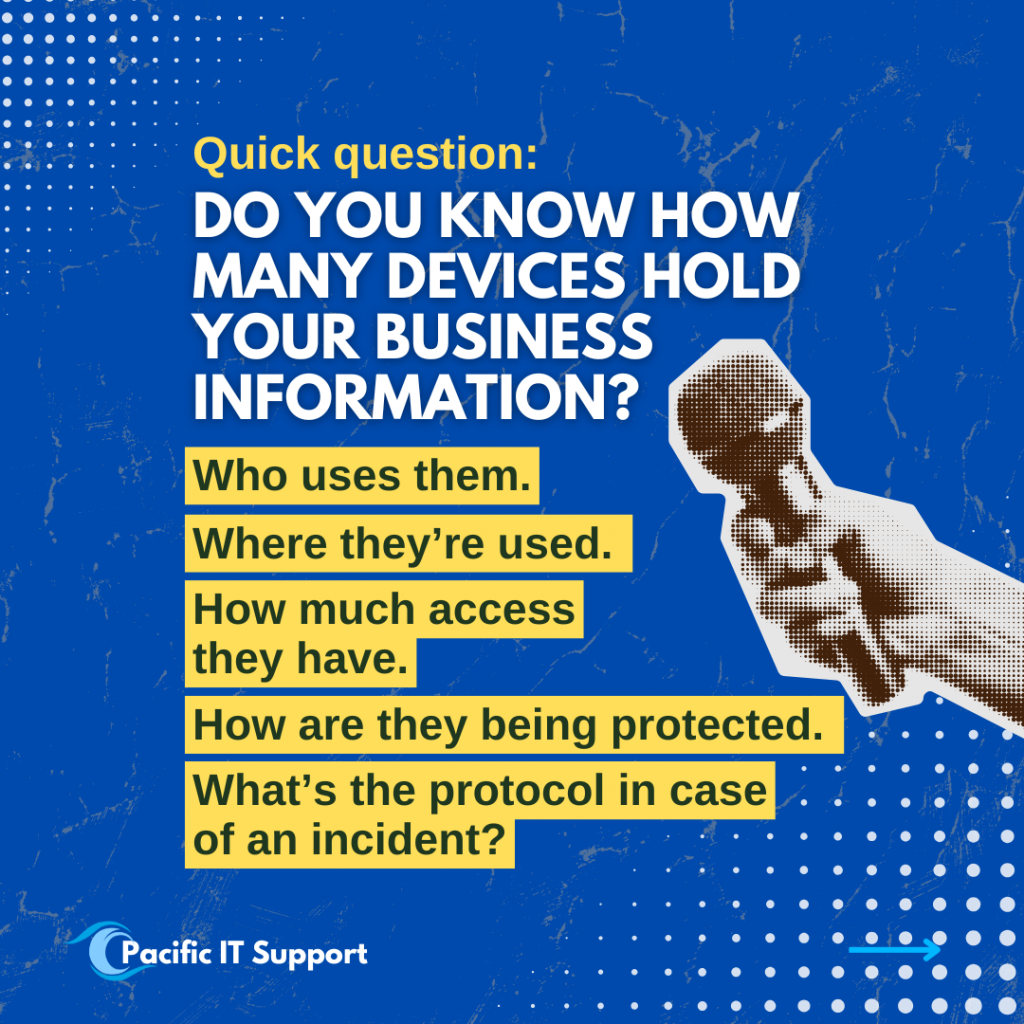
Over time, devices pile up. Employees come and go. Roles evolve. Access is added to get work done quickly, but it doesn’t always get removed later. Updates get delayed. Security tools get layered without a clear plan.
No one intended to create risk. Things just moved fast.
That’s usually when endpoint security gaps appear. Not because something dramatic happened, but because visibility slowly faded. And when businesses aren’t fully sure which devices are protected, who’s using them, or what access still exists, risk quietly increases.
Read also: What to Check Every Quarter to Keep Your IT Running Smoothly
Why endpoint security matters
Endpoint security isn’t just for large enterprises with dedicated security teams.
Small and mid‑sized businesses are often more exposed because devices are shared, roles overlap, and IT responsibilities are stretched thin. One unsecured device or one compromised login can affect operations, data security, and even customer trust.
Strong endpoint security helps businesses:
- Reduce downtime caused by device issues
- Limit the impact of phishing and email‑based threats
- Protect sensitive business and customer data
- Support remote and hybrid work securely
- Maintain better visibility for compliance and audits
Whether you have five employees or five hundred, the fundamentals are the same. Every device that touches your business data needs to be protected intentionally.
Read also: Co-Managed IT Services: The Smarter Option for Growing Companies
Endpoint security and compliance
Compliance requirements often depend on how well endpoints are managed.
Knowing which devices have access to company data, whether they are protected, and who is responsible for them is critical for audits, insurance reviews, and regulatory obligations. Without clear endpoint visibility, compliance becomes stressful and last‑minute.
Strong endpoint security helps businesses maintain consistency across devices and users. This makes compliance easier to manage and reduces the risk of gaps being discovered under pressure.
Endpoint security should support work, not interrupt it
One of the biggest misconceptions about endpoint security is that it has to be complicated or disruptive.
Good endpoint security works quietly in the background. It protects devices, enforces sensible access, and catches issues early without constantly interrupting your team.
When done right, it actually makes work smoother. Fewer surprises. Fewer emergencies. More confidence that the basics are covered.
Security shouldn’t feel like a blocker. It should feel like part of a solid IT foundation.
Read also: IT Support in Maui: What Local Businesses Really Need
Read also: Managed IT Services in Whatcom County: A Practical Guide for Local Businesses in 2026
Endpoint security across industries and locations
Endpoint security challenges are remarkably similar across industries.
Construction firms, healthcare organizations, accounting teams, nonprofits, professional services, and growing companies all rely on devices to get work done. And increasingly, those devices move between offices, homes, job sites, and shared spaces.
That’s why endpoint security needs to work:
- Across industries with different workflows
- For teams of any size
- For businesses operating locally or nationwide
- For both in‑office and remote teams
The goal isn’t a one‑size‑fits‑all solution. The goal is protection that fits your environment.
Read also: Managed vs. Co‑Managed IT Support: Which Model Fits Your Team in 2026?
How Pacific IT Support approaches endpoint security
At Pacific IT Support, we look at endpoint security as part of doing IT right.
We help businesses understand what devices they have, how they’re being used, what access exists, and how everything is protected today. From there, we help put practical protections in place that align with how work actually happens.
That includes endpoint security for:
- Laptops, desktops, phones, and tablets
- Fully managed IT environments
- Co‑managed IT alongside internal teams
- Businesses across industries and across the country
Our focus is clarity, consistency, and protection that supports your team instead of getting in the way.
If endpoint security feels unclear, that’s the signal
Many businesses don’t come to us because something went wrong. They reach out because endpoint security feels unclear, overdue, or hard to confidently explain.
That uncertainty is usually the signal it’s time for a closer look.
If you’re not sure how your devices are protected today, who still has access, or whether your current setup matches how your team actually works, we’re always happy to talk it through.
Every device matters. Secure them intentionally.
Connect with Pacific IT Support